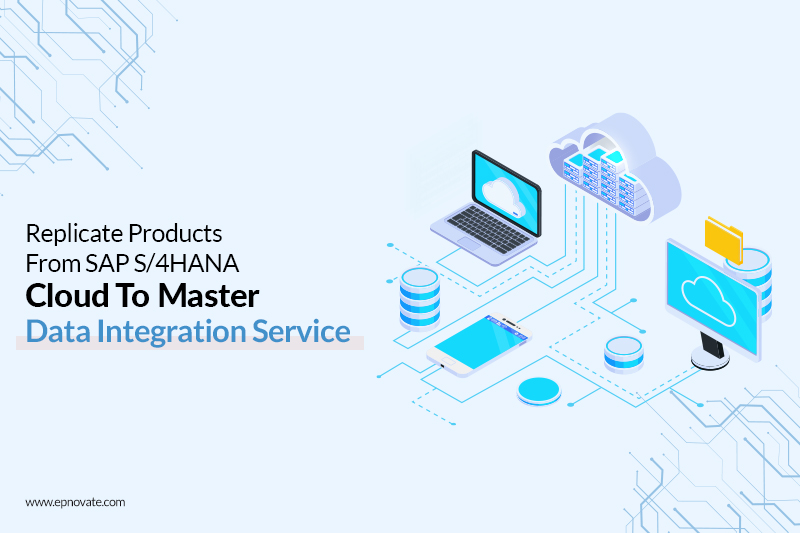
In today’s world, most SAP users are looking to migrate to cloud services. The transition from the SAP S/4 Cloud to the Master Data Integration services is another sought-after move. The SAP Master Data Integration refers to a multi-tenant cloud service to aid in master data integration. It allows the user to obtain a consistent view of the master data across a varied landscape. It is one of the most helpful SAP S/4 HANA solutions any user could wish for.
Below are the steps to replicate products from the SAP S/4 HANA cloud to the SAP software solutions:
1. Create an instance of SAP Master Data Integration service:
- The first step is to sign in to your BTP (business technology platform) account.
- Once you click on ‘create’, type in the following details:
- Click on ‘Instances and Subscriptions’ to open it.
- Service as SAP Master Data Integration
- Plan as sap-integration
- Run-time environment as Cloud Foundry
- Space and Instance name as per your choice
- Move to the next step and enter the below JSON.
{
“businessSystemId”: “<It is the identifier for SAP S/4 HANA solution>”,
“application”: “s4”,
“xs-security”: {
“xsappname”: “<You can use the UUID generated from https://www.uuidgenerator.net/> “,
“authorities”:[
“$XSMASTERAPPNAME.PSGenericConfigRead”,
“$XSMASTERAPPNAME.PSGenericConfigWrite”
]
}
}
- Click on the ‘Next’ button to create an instance for the SAP Master Data Integration Service.
- Finally, click on the actions button and select the option to create a service key to enter the service key.
2. Perform the generic setup configuration
- After entering the postman client, note the access token for the instance of the SAP Master Data Integration service.
- Note the client ID and the URL from the service key and perform a POST request on the link. Keep the body of the request as {“ConfigName”:”Business System”,”ConfigValue”: “<a suitable system name>”,”AllowedValues”: “AlphaNumeric”}
- You can perform a GET request to confirm the setup. The setup is an important step to use SAP software solutions effectively.
3. Creation of a communication user in SAP S/4HANA Cloud
- Click on ‘New’ after opening the “Maintain Communication User” in the SAP S/4 HANA solution.
- Enter the details and note down the proposed password as you will need it in further steps.
- Click on the ‘Create’ button to move to the next step of the SAP S/4 HANA solution.
4. Creation of a Communication System
- Click on ‘New’ after opening the communication system.
- Enter the same system ID, as in STEP 2.
- Enter the ‘host name’. It would be the same as the URL from the service key.
- Enter the business system name and logical system name (values should be the same as STEP 2).
- Set the users for Inbound and Outbound Communication by clicking on the ‘+’ button and providing the required details.
- Ensure that you save the communication system.
5. Creation of a Communication arrangement
- Click on New to open communication arrangements.
- Select the scenario as product integration and click on create after entering the details.
- Set the communication system as set in the previous steps and two as the product harmonization number.
- Set the path as “/product/v0/soap/ProductMDMBulkReplicateRequestIn?tenantHost=<BTP subaccount name> &tenantId=<BTP Subaccount ID>&sourceSystem=<enter the OWN SYSTEM Name from the common data>” for the Product Master. Enter a value for the replication model and select the output mode as direct output.
- Complete the Product master confirmation by setting the path. Click on ‘Save’.
6. Creation of a Downstream system to read the events from the SAP Master Data Integration service
- Create another instance for the Master Data Integration Service
{
“businessSystemId”: “<Business System ID>”,
“application”: “<Application type>”,
“xs-security”: {
“xsappname”: “<Unique id> “,
“authorities”:[
“$XSMASTERAPPNAME.MDOModelMaintain”,
“$XSMASTERAPPNAME.MDOObjectTypeOwnerMaintain”,
“$XSMASTERAPPNAME.MDOTriggerReplication”,
“$XSMASTERAPPNAME.MDOScopeMaintain”,
“$XSMASTERAPPNAME.MDOCopyModel”,
“$XSMASTERAPPNAME.PSGenericConfigRead”,
“$XSMASTERAPPNAME.PSGenericConfigWrite”
]
}
}
Application type will depend on the system that you are using.
- For the given instance, create a service key.
7. Subscription to the Master Data Orchestration
- Select the ‘Instances and Subscriptions’ from the subaccount.
- Select the Master Data Integration/Orchestration after clicking on ‘Create’.
- Click on the ‘Create’ button after selecting the standard plan.
8. Assignment of the required roles
- From the BTP cockpit, open the ‘Role Collections’.
- Add the roles MasterDataOrchestrationAdmin, MasterDataOrchestrationDisplay after creating a new role collection.
- Provide an email ID to add a new user.
9. Create a Distribution model
- Create a new model after clicking on the manage distribution model option.
- Enter a name for the model and select “product” in the Business object type field.
- Select pull as the mode and MDI_LOG_PRODUCT as the provider interface.
- Select the provider option for the SAP Master Data Integration and select the system you entered in the previous steps.
- Save the page for the activation of the distribution model.
Thus, you can replicate products to the SAP S/4 HANA Solutions and increase cloud security at various levels.